Professional DJI Drone
Repair Service
Fix gimbal errors, calibration issues, and firmware problems remotely — fast, safe, and affordable. No disassembly required.
The Software
A clean, simple desktop app. Connect your drone, choose the repair — done.
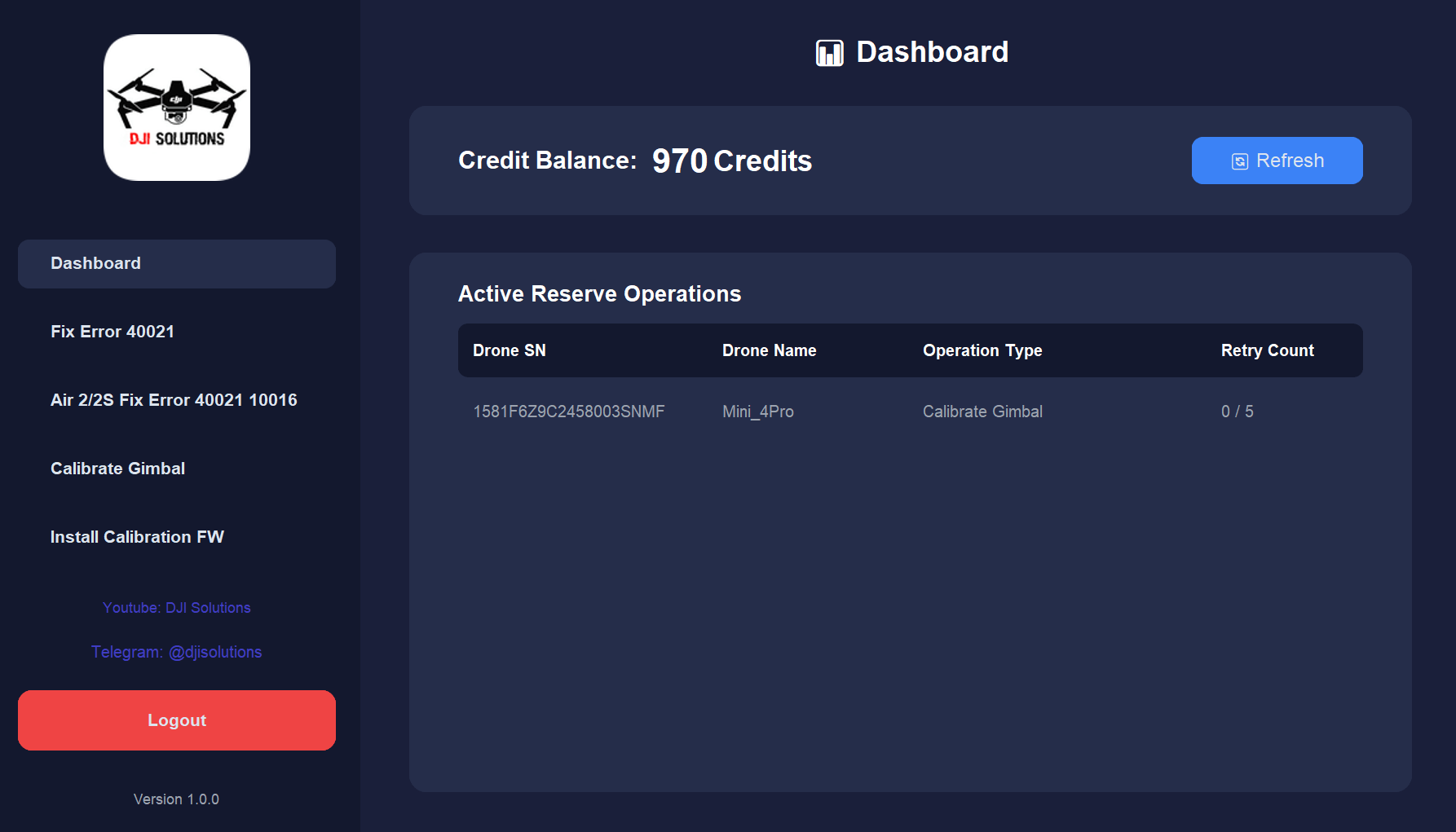
Repair Services
Choose the fix you need. Credits are deducted only after a successful repair.
Fix Error 40021
Quickly resolve gimbal error code 40021 on your DJI drone without any tools or disassembly.
Supported Models
Air 1, Air 2, Air 2S, Mini 1, Mini 2, Mini 2SE, Mini 3, Mini SE, Mini 4K
Fix Air 2 / 2S Error 10016 10017
Full repair for error 40021, 10016, and 10017. Covers gimbal and camera communication errors.
Supported Models
DJI Air 2, Air 2S only
Calibrate Gimbal
Advanced gimbal calibration to fix error 1D020001 and camera not pointing straight.
Supported Models
Mini 4 Pro, Mini 5 Pro, Air 3, Air 3S
Install Calibration Firmware
Install calibration firmware to fix error 40011 and camera alignment issues.
Supported Models
Mini 1/2/2SE/3/3Pro/4K/SE/4Pro/5Pro, Air 1/2/2S/3/3S
Remotely Fix
Don't know how to fix your drone yourself? Let us handle it — we connect remotely and fix it for you. No technical knowledge needed.
Supported Models
Windows PC only
Remotely Fix Camera Lens Error & Camera Not Calibrate
Fix camera lens errors (1C00020A, 1C000317) and camera calibration failures. Can only be fixed remotely — contact us for more information.
Supported Models
Mini 3 Pro, Mini 4 Pro, Air 3, Mavic 3, Mavic 3 Classic, Mavic 3 Pro
Buy Credits
The more you buy, the more bonus credits you get. Contact us on Telegram — credits are added manually after payment.
More credits = higher bonus percentage
Pay
$300
400
Credits
Buy 300 credits
+100 Bonus Credits
+33% Bonus
Payment is handled manually via Telegram. Credits are added to your account after payment is confirmed.
Supported Drones
Currently supporting these DJI models
How It Works
Three simple steps to fix your drone
Connect Your Drone
Connect your DJI drone to your PC via USB cable. Download and install the DJI Solutions desktop app.
Select Your Repair
Choose the fix you need from the app menu. The app detects your drone model automatically.
Done in Minutes
The fix runs automatically with server validation. Credits are charged only on success.
Ready to fix your drone?
Create a free account, add credits, and start your repair in minutes.